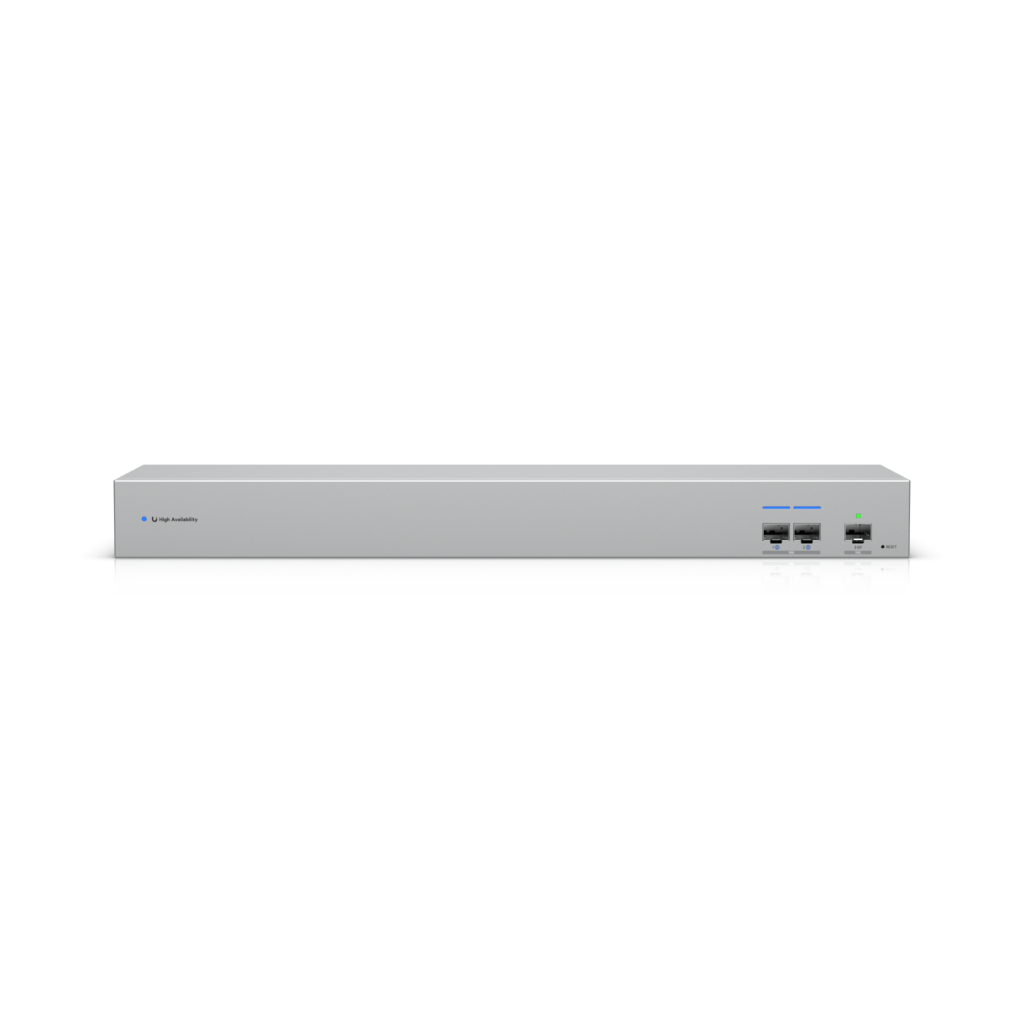
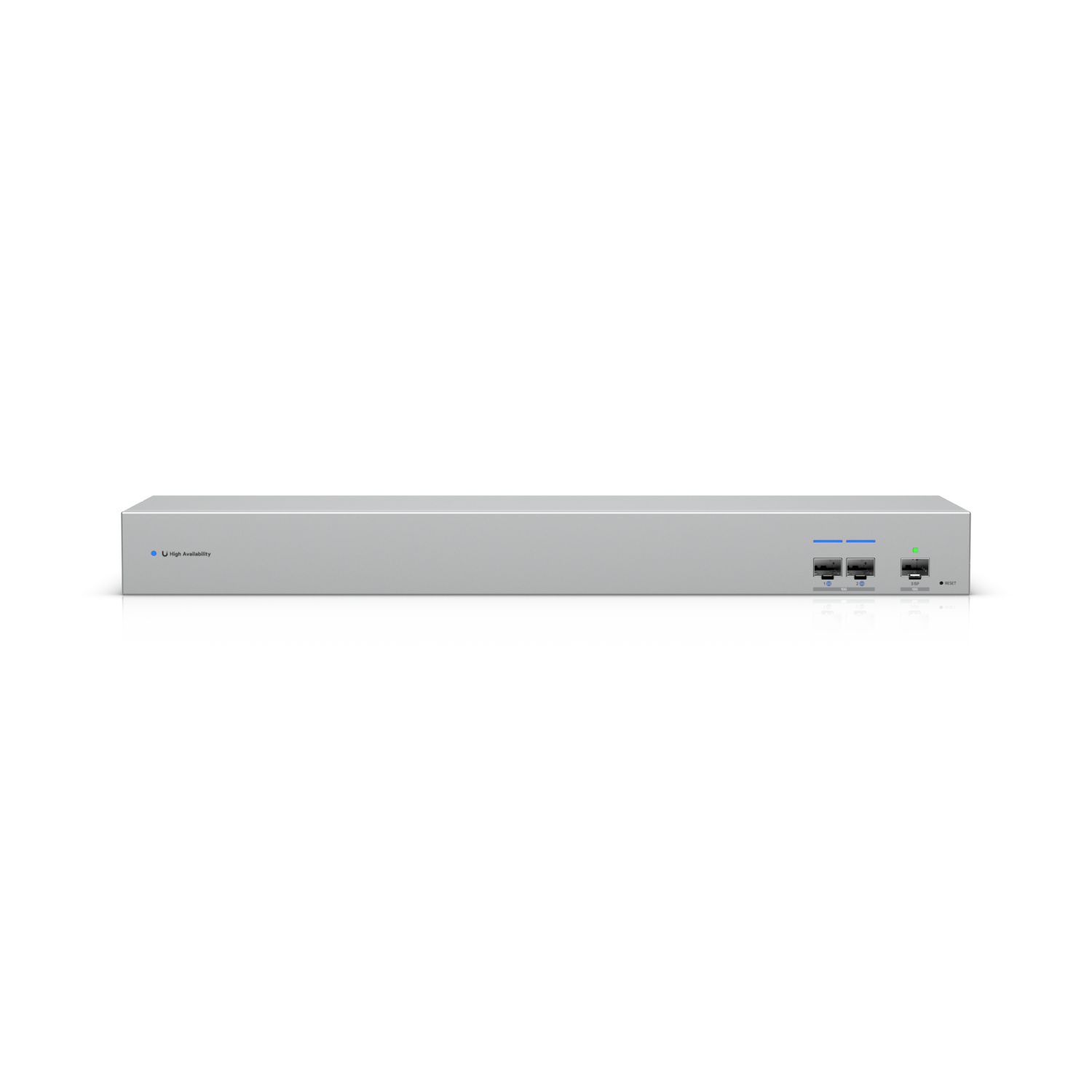
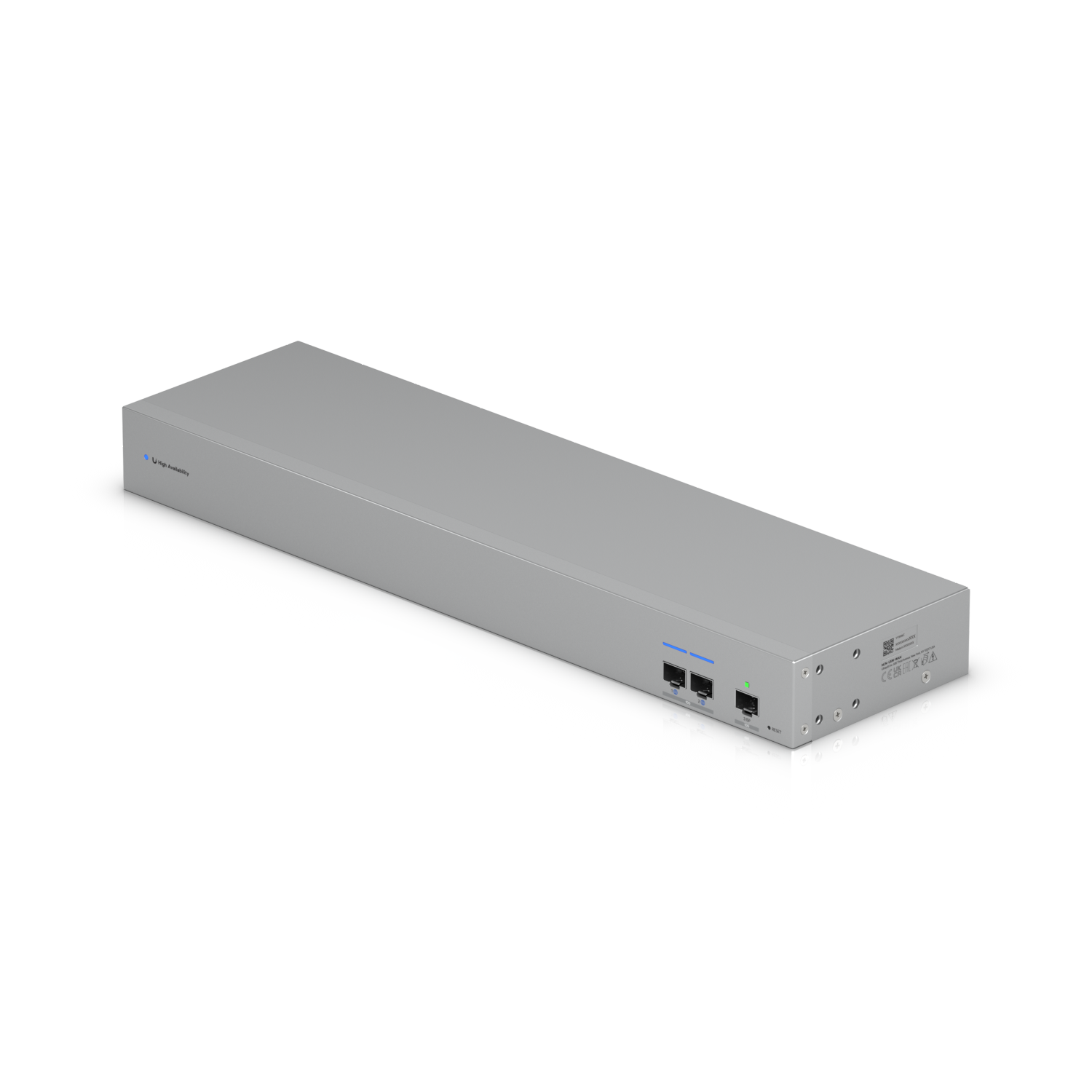
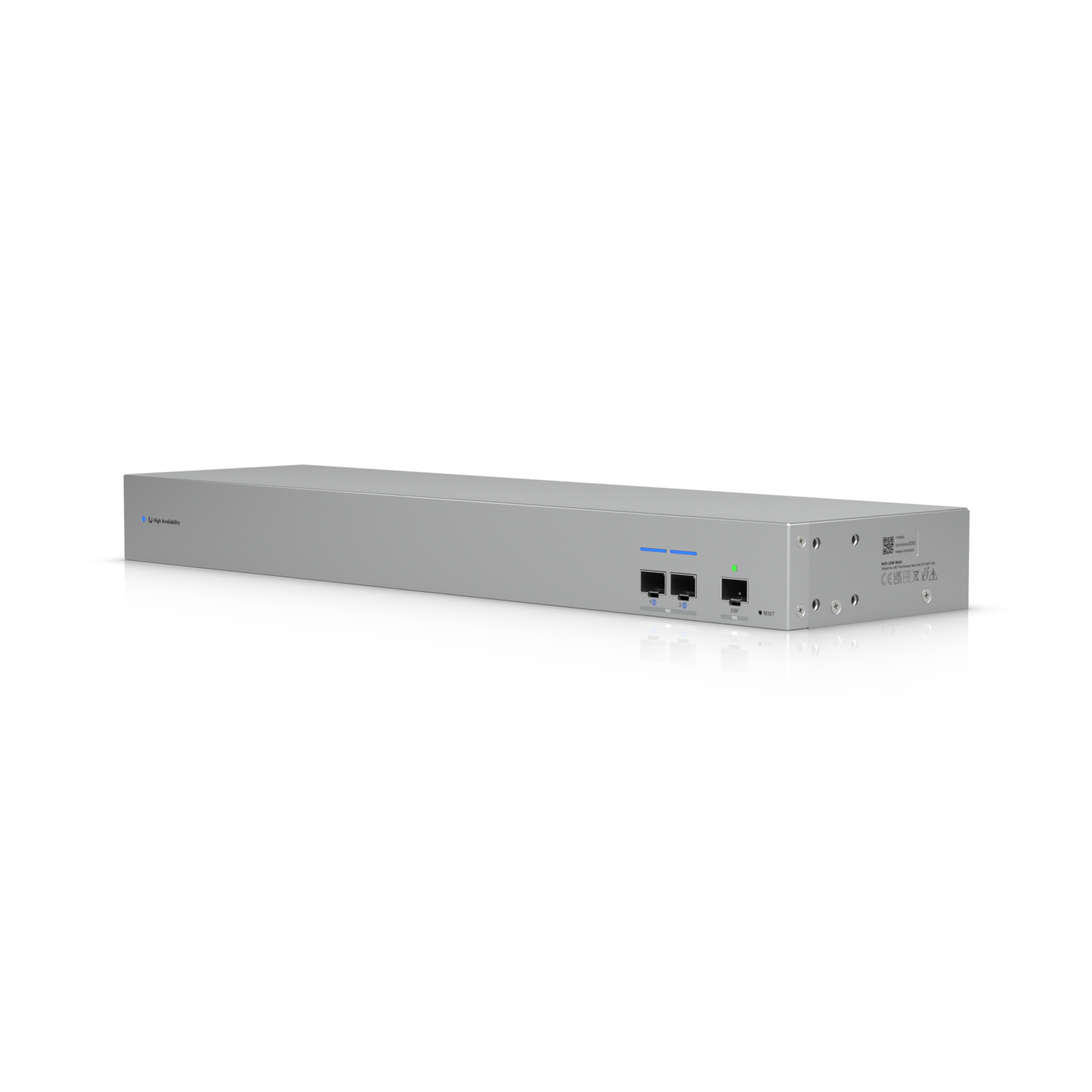
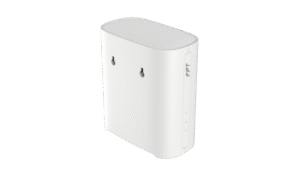
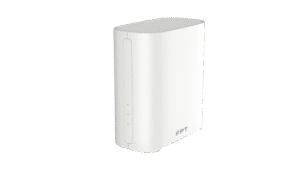
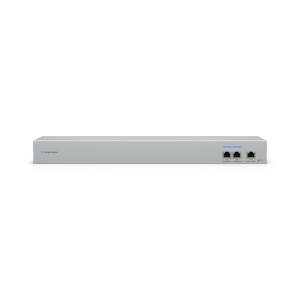
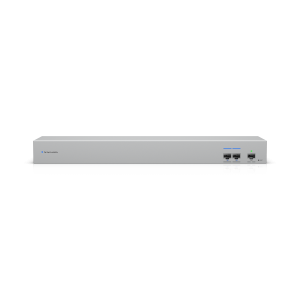
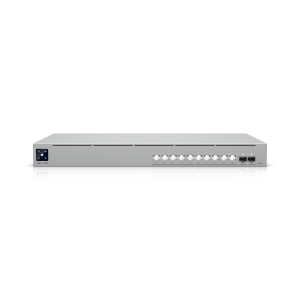
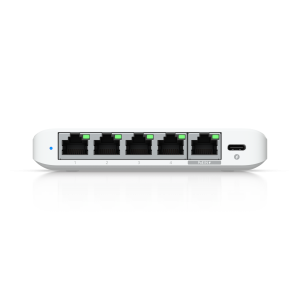
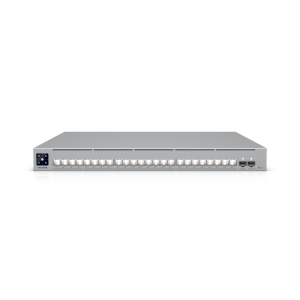
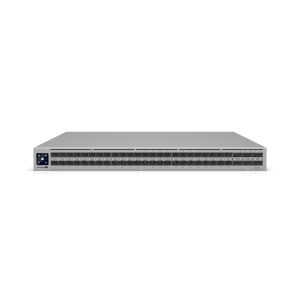
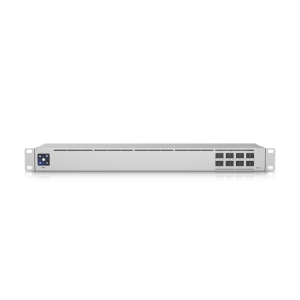
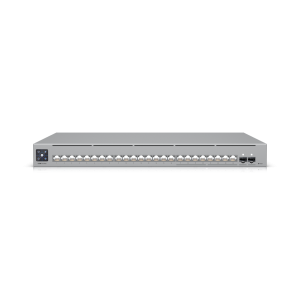
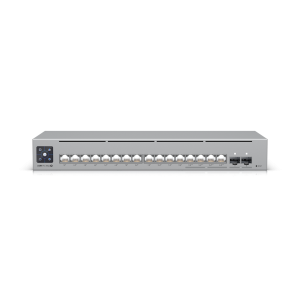
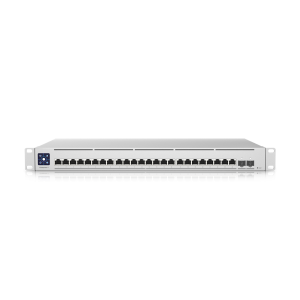
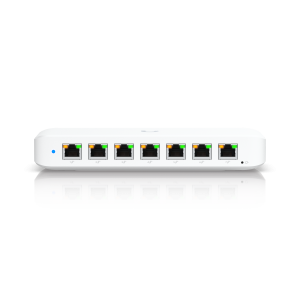
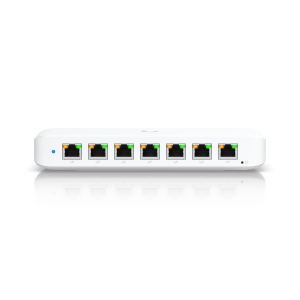
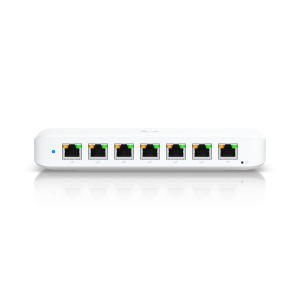
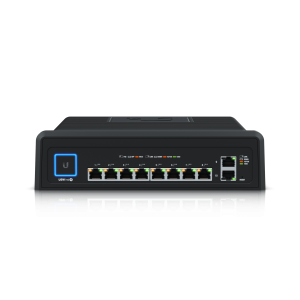
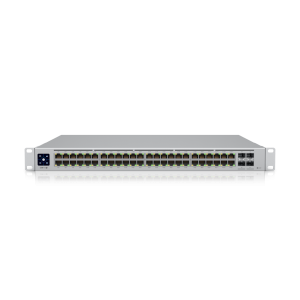
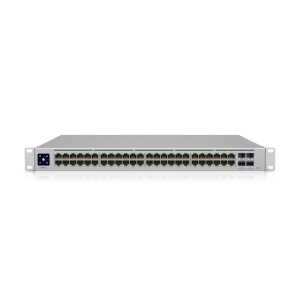
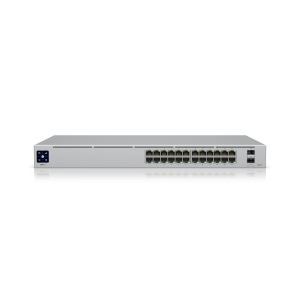
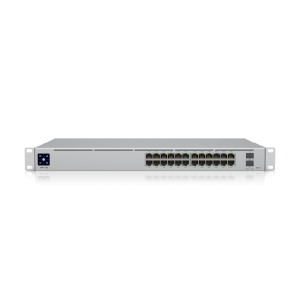
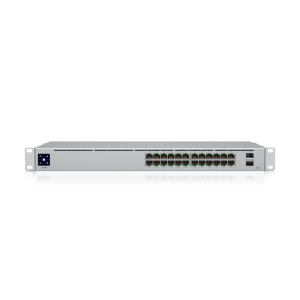
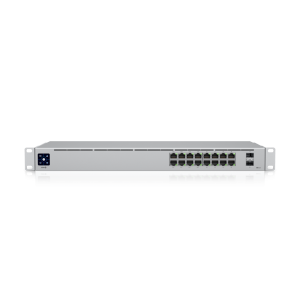
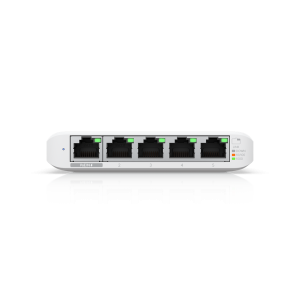
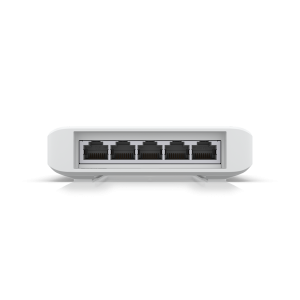
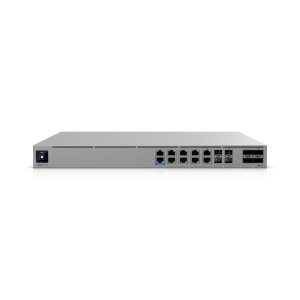
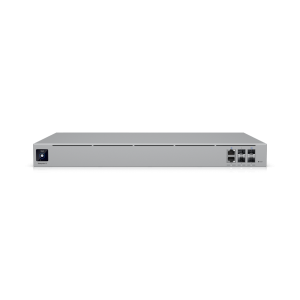
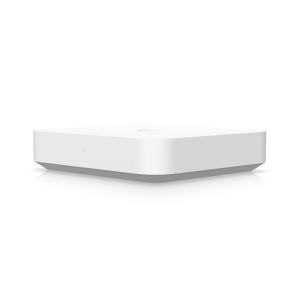
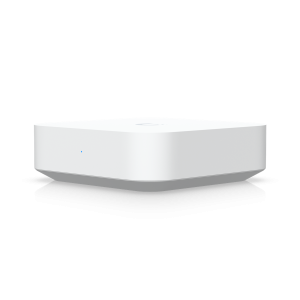
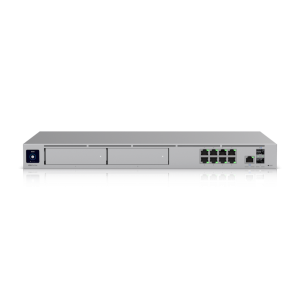
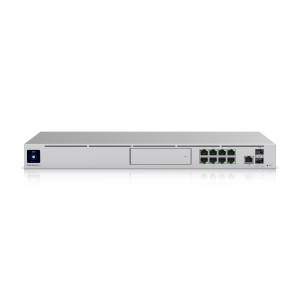
UniFi WAN Switch USW-WAN – The foundation for absolutely stable internet connectivity.
In today's modern business environment, even a few minutes of internet outage can cause significant damage to revenue and reputation. Understanding this, Ubiquiti has developed... UniFi WAN Switch USW-WAN, This is a strategic piece that helps elevate the reliability of UniFi network infrastructure to a new level. This device is not a typical switch, but a solution specifically designed to enable Shadow Mode High Availability (HA) on UniFi Gateways.
Acting as a high-performance Layer 2 bridge, USW-WAN connects a pair of UniFi Gateways (one primary, one secondary) to an Internet Service Provider (ISP) modem. This mechanism creates a hot redundancy system, ready to take over immediately when the primary device fails, ensuring uninterrupted business data flow. This is an ideal solution for organizations requiring operational continuity and unwilling to accept the risk of connection disruption.
Key features of the UniFi WAN Switch USW-WAN
USW-WAN is equipped with powerful features, focused on the single goal of maximizing network availability and reliability:
- Shadow Mode High Availability (HA) Support: This is a key feature, allowing the configuration of two UniFi Gateways in a master-redundant model based on the VRRP protocol. When the primary gateway fails (power loss, hardware failure, system crash), the USW-WAN will automatically redirect all traffic to the secondary gateway quickly, minimizing downtime to almost zero.
- Dual redundant power supply: The device incorporates two AC/DC power supplies operating in parallel. If one power source fails, the other will immediately take over the entire load, ensuring the switch operates continuously without interruption. This provides a crucial layer of protection for the central component of the HA system.
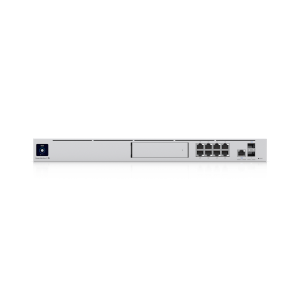
- High switching performance: With 3 10G SFP+ fiber optic ports and a total switching capacity of 20 Gbps, the USW-WAN ensures the ability to handle high traffic from high-speed internet packages without causing bottlenecks in the enterprise network.
Practical implementation model for businesses
UniFi WAN Switch USW-WAN Particularly suitable for businesses and organizations with high demands for internet connection stability, where interruptions are absolutely unacceptable. A typical deployment model includes:
- Object: Company offices, hotels, resorts, medium to large-scale restaurants, schools, manufacturing plants, and high-traffic coffee shop chains.
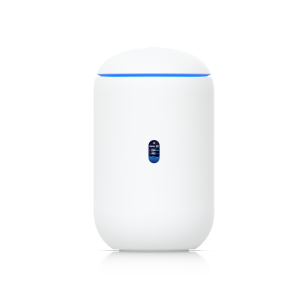
- Establish: The system will include 1 modem from the internet service provider (ISP) and 1 switch. UniFi WAN Switch USW-WAN, and 2 UniFi Gateway devices (e.g., UniFi Dream Machine Pro/SE or UniFi Gateway Pro).
- Work: The ISP modem will connect to one port on the USW-WAN. Two UniFi Gateway devices are also connected to the remaining ports of this switch. Through the UniFi Network management interface, the administrator will configure one gateway as the primary device and the other as the backup device (Shadow). The entire internal LAN system will connect to the primary gateway. In case of failure, the USW-WAN and the backup gateway will automatically handle the switching process.
For businesses requiring redundancy across multiple internet connections from different ISPs, multiple USW-WAN switches can be deployed, each dedicated to a pair of gateways and a single ISP connection.
Centralized integration and management within the UniFi ecosystem.
One of the biggest advantages of USW-WAN is its seamless integration into the UniFi ecosystem. The entire process of configuring, monitoring, and managing devices is done intuitively through the UniFi Network Controller platform. Administrators can easily monitor the operational status of both gateways, the power status of the switch, and receive instant alerts when problems occur from a single interface.
Centralized management significantly simplifies operations, eliminating the need to access multiple individual devices. This not only saves time but also minimizes errors, allowing IT teams to respond more quickly to problems. Whether you're managing a network for an office or a chain of branches, integrating devices such as... Universal switch, Using a router and WiFi access point on the same platform will provide superior performance.
FPT Telecom: Consulting and implementing professional UniFi network solutions.
Building a high-availability network system requires a deep understanding of the equipment and practical deployment experience. At FPT Telecom, we not only provide genuine UniFi products such as... UniFi WAN Switch USW-WAN, and also provides comprehensive solution consulting services for businesses.
Our team of engineers will work directly with you to understand your infrastructure needs and specifics. Based on that, we will propose a suitable model, from equipment selection, Office Wi-Fi installation, From detailed configuration of advanced features like Shadow Mode HA, FPT Telecom aims to partner with businesses in building a stable, secure, and efficient network infrastructure, providing a solid foundation for business growth. Contact us for detailed consultation and site survey.
Frequently Asked Questions about UniFi WAN Switch USW-WAN
Does the UniFi WAN Switch USW-WAN function like a regular switch?
No. USW-WAN is a Layer 2 bridge device specifically designed for High Availability (HA) deployments with the UniFi Gateway. It does not have the features of a full-fledged managed switch and should only be used for WAN connectivity redundancy scenarios.
Do I need two internet connections to use USW-WAN?
Not necessary. The primary use case for a USW-WAN is redundancy for the gateway device on a single internet connection. If you want redundancy for multiple connections, you will need a USW-WAN switch for each connection.
Is the Shadow Mode HA feature complicated to configure?
No. With the UniFi Network management interface, configuring Shadow Mode HA is very intuitive. You simply connect the devices according to the diagram and perform a few simple steps in the software to activate the redundancy feature.