Powerful Layer 2 switching performance for enterprises.
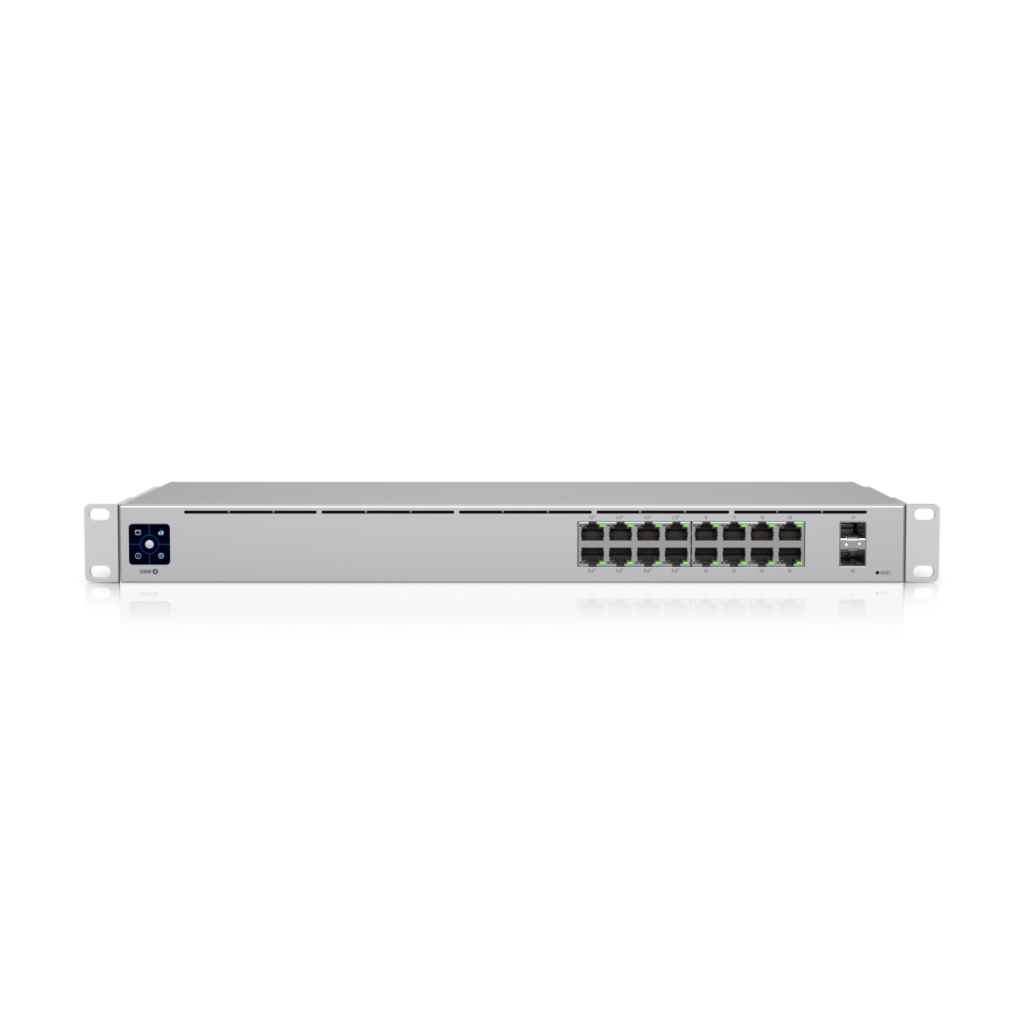
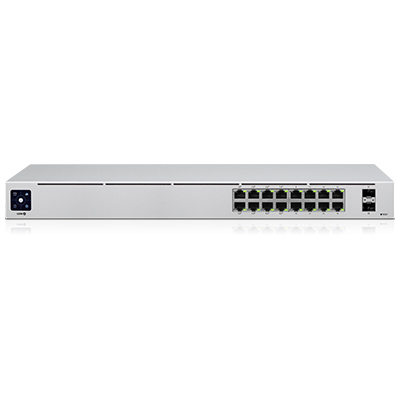
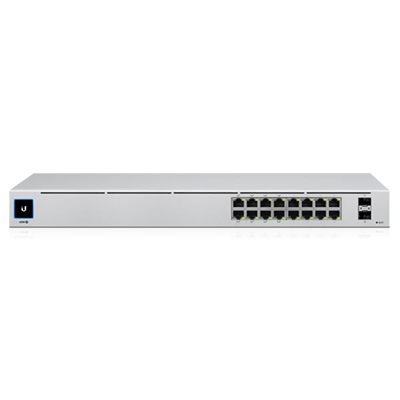
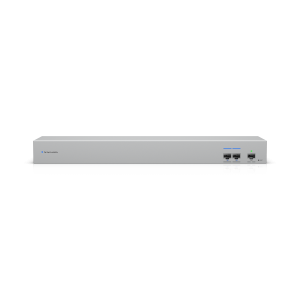
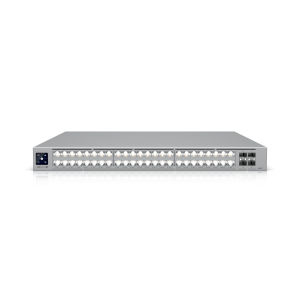
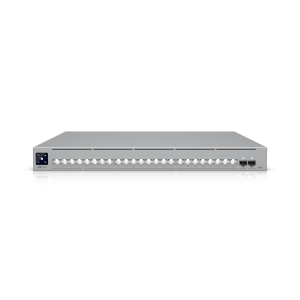
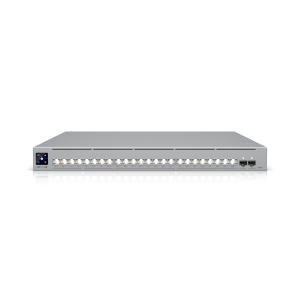
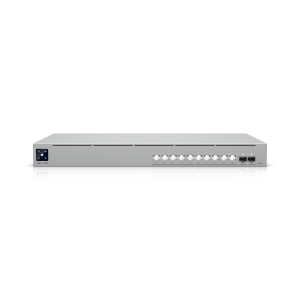
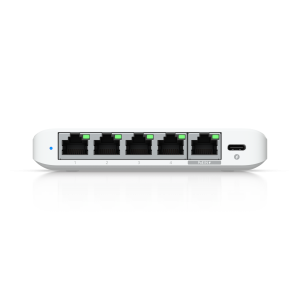
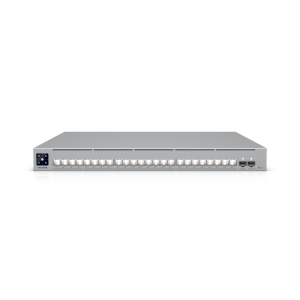
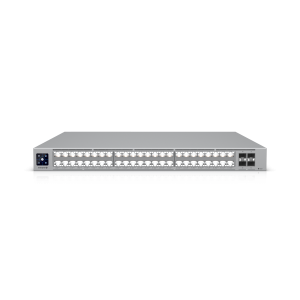
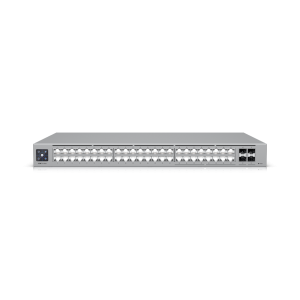
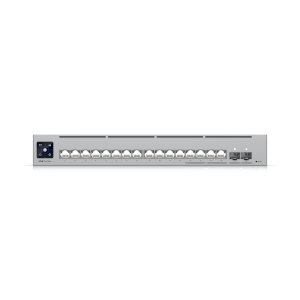
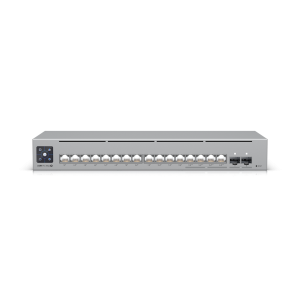
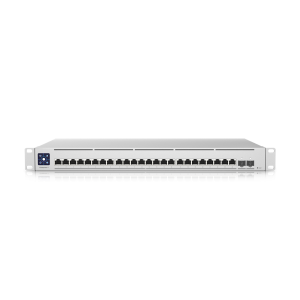
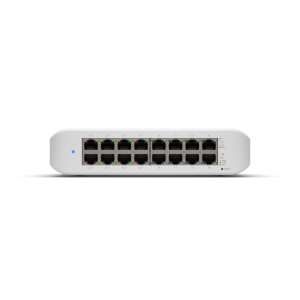
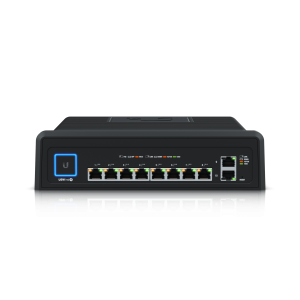
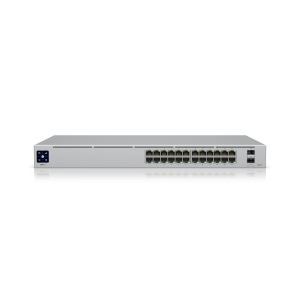
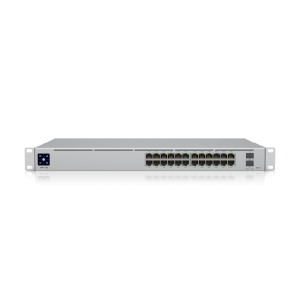
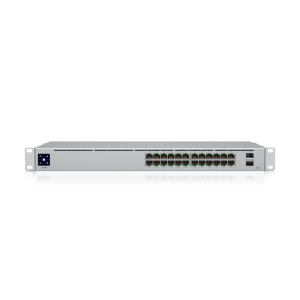
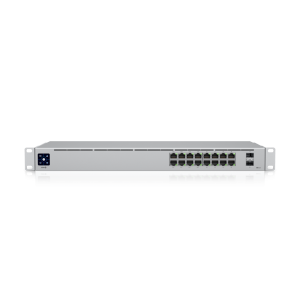
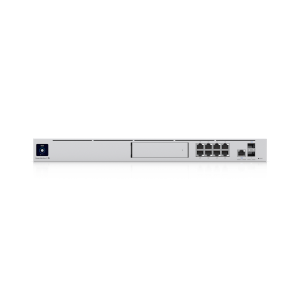
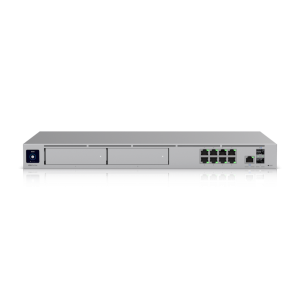
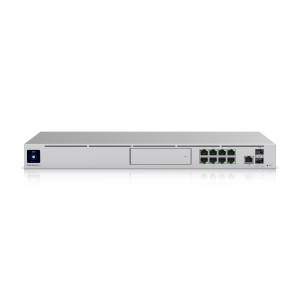
UniFi Switch 16 PoE USW-16-POE The USW-16-POE is a dedicated switching solution offering a comprehensive Layer 2 feature set to meet the diverse connectivity needs of organizations. It allows network administrators to perform advanced tasks such as port configuration, port aggregation, and VLAN mapping to segment and secure network traffic. With 16 Gigabit Ethernet ports, the USW-16-POE ensures high connection speeds for end devices such as computers, printers, and IoT devices.
Power over Ethernet (PoE+) capability on all 16 ports simplifies system deployment, eliminating the complexity of wiring separate power supplies for each device. This is an ideal choice for powering critical network devices such as Wi-Fi access points, IP security cameras, and VoIP phones, saving on installation costs and maintaining a clean, professional workspace.
Visual management and intelligent troubleshooting.
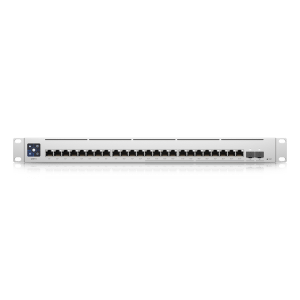
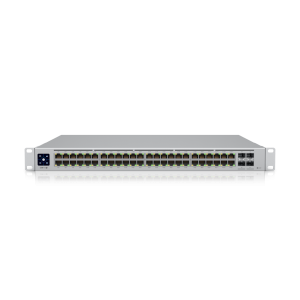
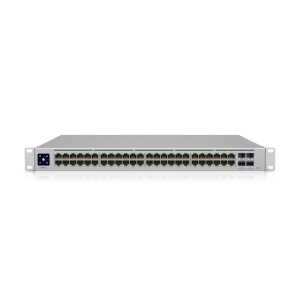
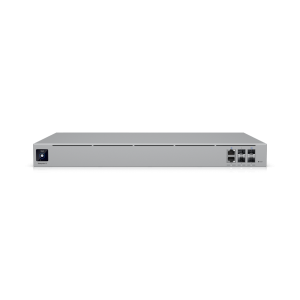
One of the outstanding features of UniFi Switch 16 PoE USW-16-POE It features a 1.3-inch color touchscreen integrated directly into the device. This screen provides instant overviews of system status, port throughput, and important alerts. This allows IT teams to quickly understand network performance without needing to access the software interface.
Specifically, when combined with the UniFi Network mobile app, the augmented reality (AR) feature allows administrators to view detailed information about each port simply by scanning the camera across the front of the switch. This significantly simplifies the process of identifying physical connections, checking status, and troubleshooting, minimizing downtime and improving operational efficiency.
Flexible design and expandable connectivity.
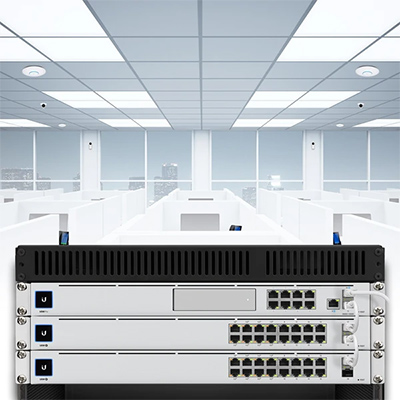
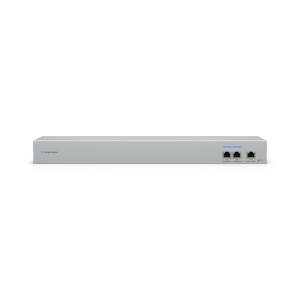
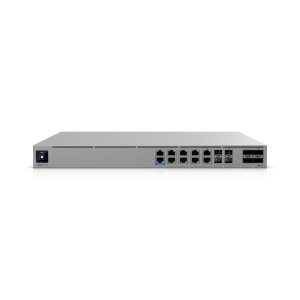
The USW-16-POE boasts a compact, 1U rack-mountable design, making it suitable for installation in SOHO (Small Office/Home Office) network cabinets or standard data center racks. Its robust metal casing not only provides high durability but also supports efficient heat dissipation, ensuring stable operation over extended periods.
In addition to 16 Ethernet ports, the device is also equipped with 2 SFP (Small Form-factor Pluggable) ports. These ports support optical uplink connections with speeds up to 1 Gbps, enabling high-speed connections to core switches or network expansion to other buildings or areas within the same campus. The presence of SFP ports provides maximum flexibility for designing and developing network infrastructure to scale with the growth of the enterprise.
An ideal deployment model for diverse environments.
With outstanding performance and features, UniFi Switch 16 PoE USW-16-POE It's the perfect choice for many different business models:
- Offices and Medium-Sized Businesses: Acting as an access switch, it connects and powers the entire Wi-Fi system, security cameras, IP phones, and employee computers, ensuring a stable and easily manageable internal network.
- Hotels, Resorts and Restaurants: Provides network connectivity and PoE power to Wi-Fi access points in guest rooms and public areas, hallway surveillance cameras, and POS systems at the counter.
- Schools and Educational Institutions: Establish network infrastructure for classrooms, libraries, and campuses, and power Wi-Fi devices for learning purposes and security cameras.
- Factory and Warehouse: Connecting IoT devices, production line surveillance cameras, and Wi-Fi access points to provide coverage across a large area.
Consulting and implementing professional network solutions by FPT Telecom.
Choosing the right equipment is just the first step. To build an efficient, stable, and secure network system, professional surveying, design, and configuration are crucial. FPT Telecom is a supplier of genuine UniFi network equipment, providing comprehensive consulting and implementation services for business customers.
Our team of engineers will conduct on-site surveys, analyze usage needs, and propose the most optimal solution. We handle the installation, configuration of equipment, and integration into your existing network system, ensuring your network infrastructure is optimized for performance and future scalability. Contact FPT Telecom for support in building a solid network foundation for your business growth.
Frequently Asked Questions about UniFi Switch 16 PoE USW-16-POE
What devices can the UniFi USW-16-POE switch power?
The device supports PoE+ (802.3at/af) standard, capable of powering most compatible network devices such as Wi-Fi access points, IP security cameras, VoIP phones, and some other IoT devices.
How is this device managed?
The UniFi USW-16-POE 16-PoE Switch is centrally managed through the UniFi Network Controller platform. You can install this software on a computer, server, or use UniFi hardware devices such as Cloud Key to manage the entire network system from a single interface.
What are SFP ports on a switch used for?
The two SFP ports are used for high-speed uplink connections, typically using fiber optic cables. They allow you to connect this switch to other switches over long distances or to a central switch (core switch) without signal loss like copper cables, enabling flexible network expansion.